How to register
Buying and setting up your program takes five steps. Here is what to expect on each screen.
- 1
Choose your program
Go to Programs & Pricing, or to the program’s own page, and click Buy Now under the plan you want. You will land on the page where you can purchase the program.
- 2
Create your shopping cart account
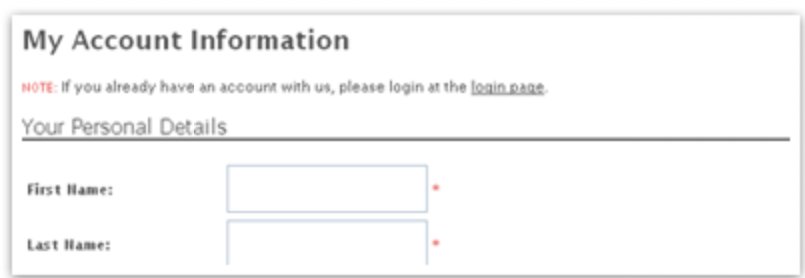
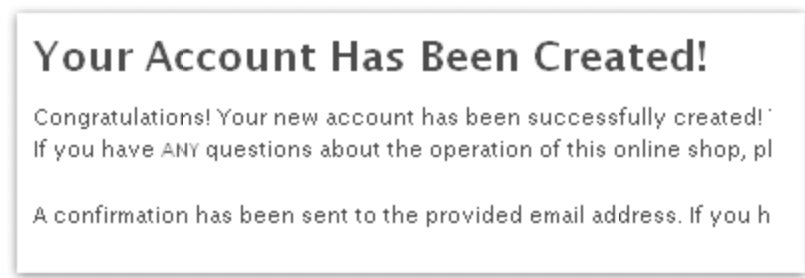
You are now at the shopping cart. Fill in the form and click Continue. Remember, the password here is the password of your shopping cart account. You will need it when you renew the program, so save it somewhere. When you see “Your Account Has Been Created!”, click Continue again to make the payment.
- 3
Confirm your order and pay
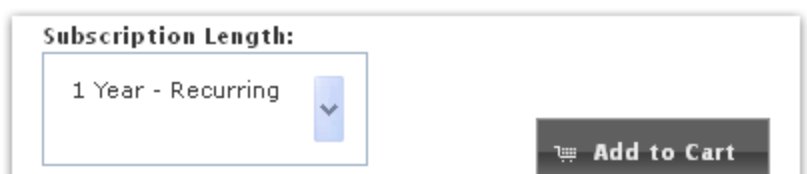
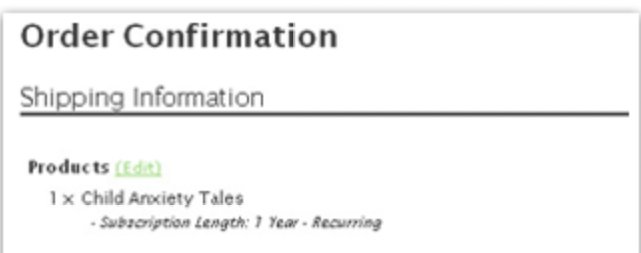
Set your subscription length from the dropdown and click Add to Cart. Check your total and click Checkout. You can change your billing address on the next screen. Click Continue, enter your card information, and click Confirm Order.
- 4
Set up your program account
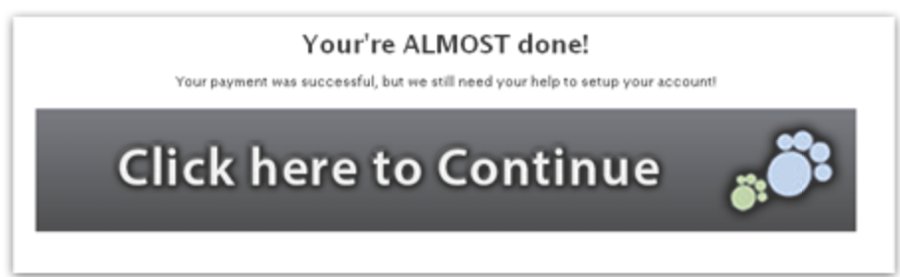
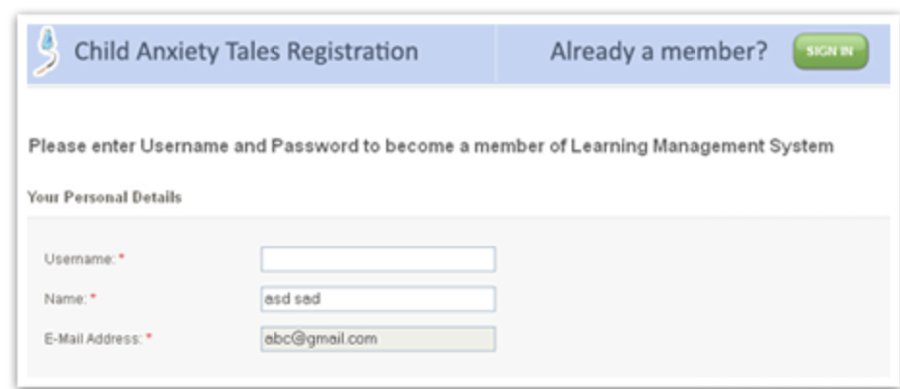
You are almost done. Click the large Click here to continue button to go to the program website. The form there is filled in with the information you already provided. Just add the username and password you want. You will need this username and password every time you open the program, so save them carefully.
- 5
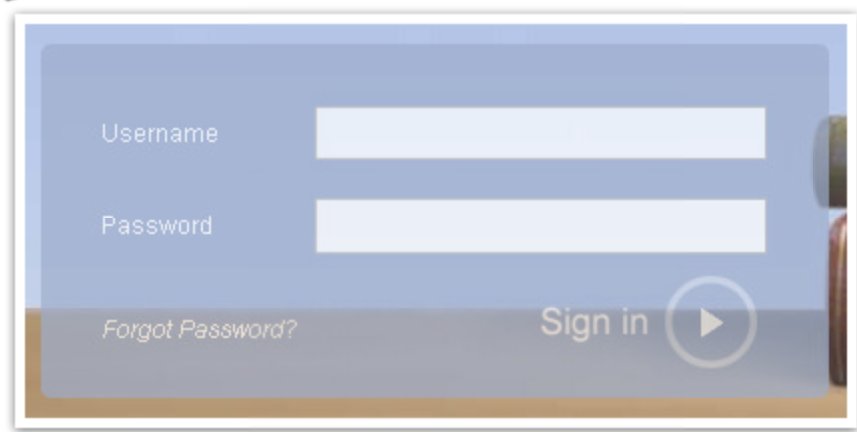
Sign in and start
You are done. Click Sign In at the top of any page, choose your program, and log in with your username and password. Enjoy the program!